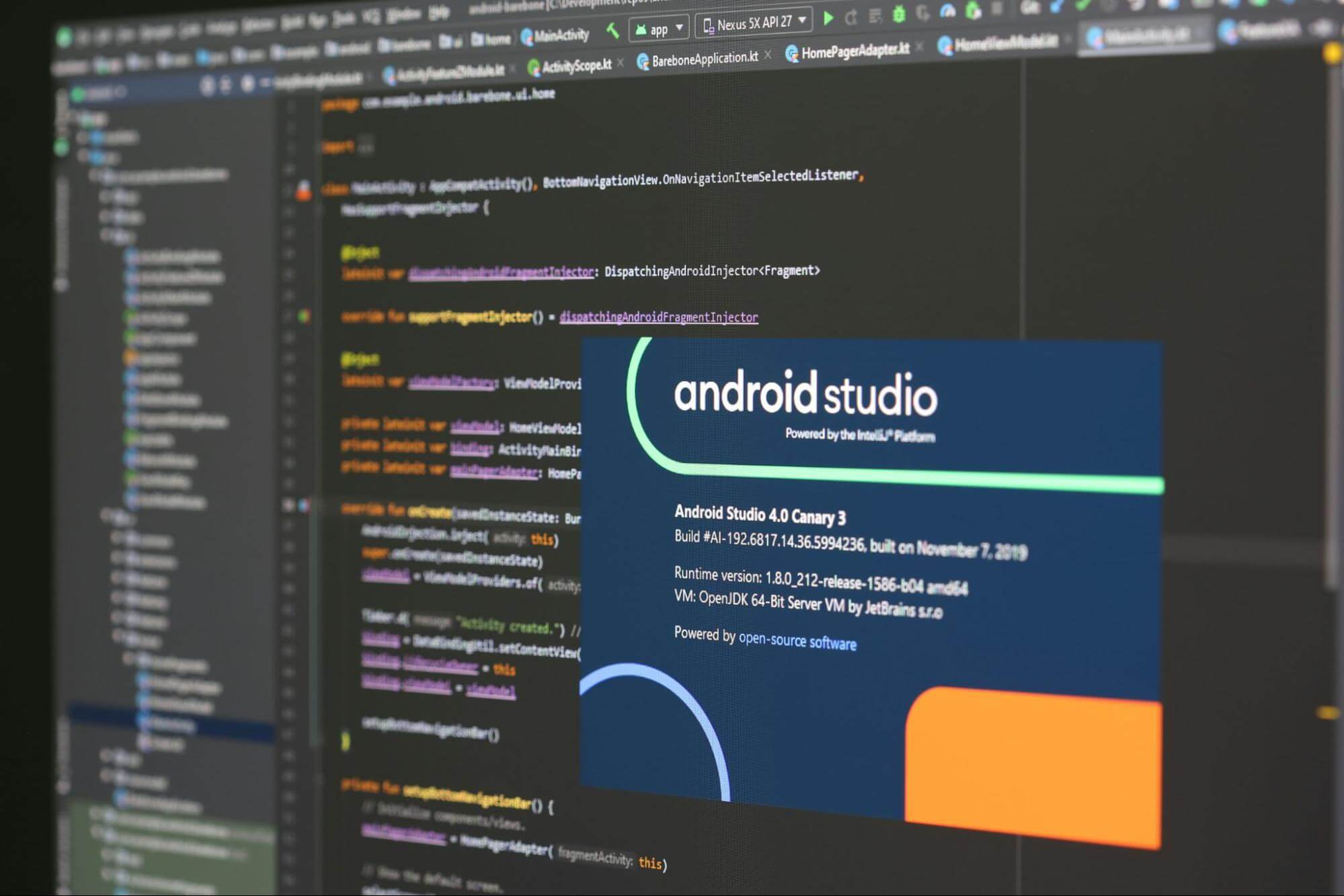
In 2026, Android UI development has reached a clear turning point. Jetpack Compose, Google’s declarative UI toolkit, has matured into the preferred choice for building modern, efficient, and maintainable user interfaces. Traditional Views, based on XML layouts and imperative programming, powered Android apps for over a decade but now face increasing challenges in speed, flexibility, and developer productivity. For teams building new apps or planning migrations, understanding Jetpack Compose vs Traditional Views is essential to deliver high-quality experiences that align with current user expectations and device diversity. At Dreams Technologies, we have transitioned most of our Android projects to Jetpack Compose, witnessing firsthand how it accelerates development while improving code quality. This post compares the two approaches, highlights key differences, pros and cons, and guides you on choosing the right path for your next project. What is Jetpack Compose? Jetpack Compose allows developers to build native Android UIs entirely in Kotlin using a declarative syntax. Instead of defining static layouts in XML and manipulating them imperatively, you describe the desired UI state, and Compose handles rendering and updates automatically. Composables are simple Kotlin functions annotated with @Composable, making UI code concise and readable. Since its stable release, Compose has seen widespread adoption. Major apps from companies like Airbnb, Spotify, Meta, and even parts of Google Play use it in production. In 2026, performance benchmarks show Compose matching or exceeding Traditional Views in many scenarios, especially for dynamic interfaces, animations, and state-driven UIs. What are Traditional Views? The Traditional View system relies on XML for layout definition and Java or Kotlin for logic. Views such as TextView, Button, and RecyclerView form hierarchical structures managed by ViewGroups. Updates require manual operations like findViewById, setText, or notifyDataSetChanged, often leading to boilerplate code. This approach remains reliable for static or highly optimized UIs. Many legacy apps and enterprise products still use it successfully due to its maturity and extensive ecosystem support. Key Differences Between Jetpack Compose and Traditional Views The core difference lies in paradigm: declarative versus imperative. Compose rebuilds UI when state changes, eliminating manual view invalidation. Traditional Views demand explicit updates, which can introduce bugs in complex flows. Code volume drops significantly with Compose, often by 40 to 50 percent for UI layers. State management integrates naturally via remember and mutableStateOf, while Traditional Views pair with ViewModel and LiveData or StateFlow but require more glue code. Tooling favors Compose in modern Android Studio with live previews, interactive previews, and faster hot reload. Navigation, theming with Material 3, and adaptive layouts for foldables and large screens feel more seamless in Compose. Performance has converged. Early concerns about Compose overhead have faded with optimizations in recent releases. For scrolling lists or animations, Compose often delivers smoother results due to single-pass layout and recomposition intelligence. Pros and Cons of Jetpack Compose Pros include faster iteration, less boilerplate, automatic state handling, powerful animations, and excellent support for modern features like adaptive UIs and Material You. It excels in new projects, complex interactions, and teams using Kotlin fully. Cons involve a learning curve for developers accustomed to XML, potential initial setup in mixed projects, and slightly higher APK size in hybrid apps. Debugging recomposition issues requires new mental models. Pros and Cons of Traditional Views Pros feature proven stability, vast third-party libraries, fine-grained optimization control, and familiarity across large teams. It suits maintenance of existing apps or scenarios needing absolute minimal overhead. Cons include verbose code, error-prone manual updates, slower prototyping, and increasing difficulty adapting to foldables, large screens, and new Android APIs. When to Choose Jetpack Compose or Traditional Views For new apps in 2026, Jetpack Compose is the clear recommendation. It future-proofs your codebase, speeds up feature delivery, and aligns with Google’s direction. If building MVPs, consumer-facing apps, or anything with rich animations and dynamic content, start with Compose. Stick with Traditional Views for maintaining legacy codebases where full migration costs outweigh benefits, or for extremely performance-sensitive static UIs on low-end devices. Hybrid approaches work well: add Compose screens to existing View-based apps via interoperability APIs. Many teams adopt incrementally, replacing one screen at a time. This minimizes risk while gaining Compose advantages early. Best Practices for Modern Android UI Development Profile your app to identify real bottlenecks before deciding. Use Compose for new modules and leverage tools like Layout Inspector and recomposition highlighting. Follow unidirectional data flow with ViewModel and State hoisting. Stay updated with Jetpack Compose BOM releases for the latest optimizations. In conclusion, Jetpack Compose represents the modern standard for Android UI in 2026. It empowers developers to create beautiful, responsive apps faster and with fewer errors. At Dreams Technologies, we help clients migrate smoothly or build Compose-first solutions tailored to their needs. Contact us to discuss how we can elevate your Android app with cutting-edge UI development.
Get in Touch
Have questions? Fill out the form below and our team will contact you.